Some enforcement workflows require posts to be validated (reviewed) before enforcement can proceed. This step is typically performed by users with the “validator” role, which are often the client or the brand’s legal partners.
Open the Post View.
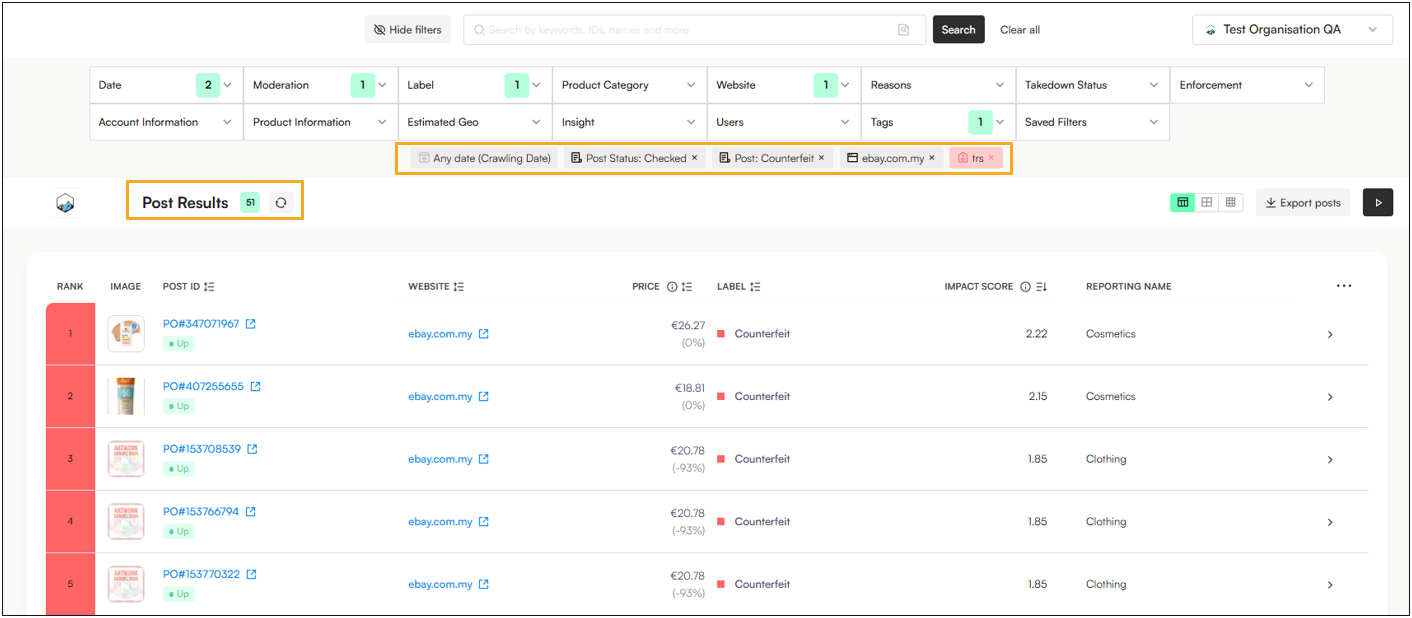
Click the “Moderation” filter
In the Posts dropdown menu, select “Checked”.
Click the Tags filter and exclude the TRS tag.
Click “Search” to apply the filter.
Note: The default date filter is set to "Last 30 Days." To ensure you see all items requiring review, update the filter to "Any Date."

Applied filters (excluded filters will be displayed in Red):

Note: Your Corsearch team will already have Saved key filters aligned with your brand protection program, but you can always create additional ones based on your needs.
Now that you’ve applied the filters and narrowed the results, it’s time to begin validation.
In this example:
There are 51 posts labeled as Counterfeit, currently being advertised on eBay Malaysia.
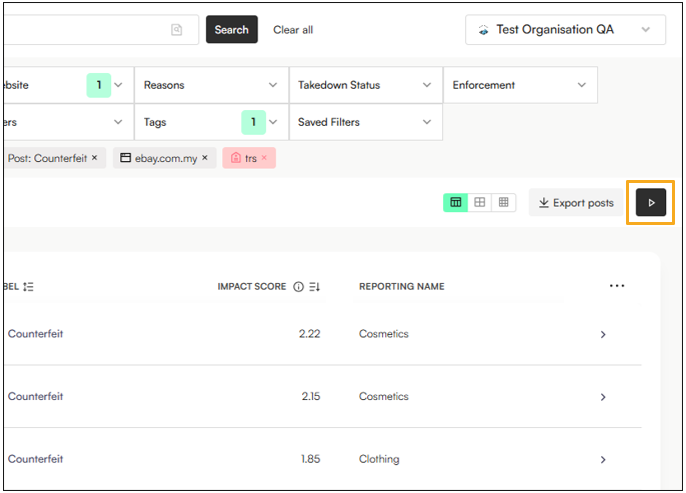
Click the Play button to begin reviewing each post in sequence.
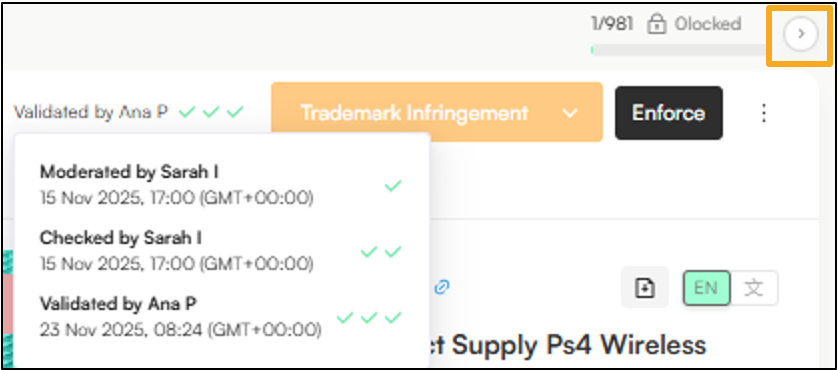
After selecting Play, Zeal will display the first post in your batch—here, 1 of 51 posts pending validation.

Click the Validate button (top right)
Note: This flags that the post has been reviewed, and is now ready for the enforcement team to proceed with takedown. Once you click Validate, the post will refresh and its workflow status will update—indicating it has now been Moderated, Checked, and Validated.
Click the arrow in the top-right corner to move to the next post:
Sometimes users want to review posts without marking them for action. You can choose the following options from the kebab menu button:
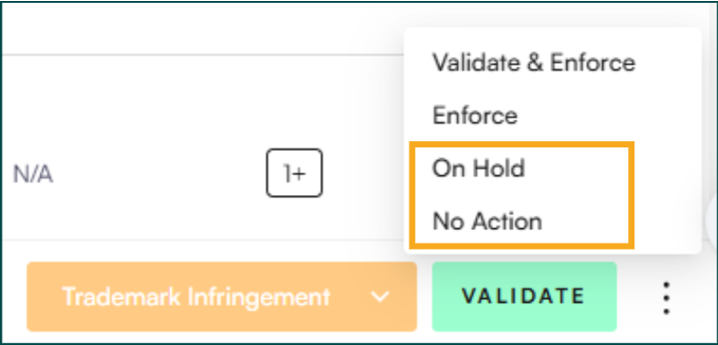
On Hold → On Hold is used when a domain, post, or listing requires a pause before any decision can be made. This status indicates that further review, information, or verification is needed before classifying the item or proceeding with enforcement.
No Action → No Action is used when the domain or content has been reviewed and does not require enforcement or follow-up.
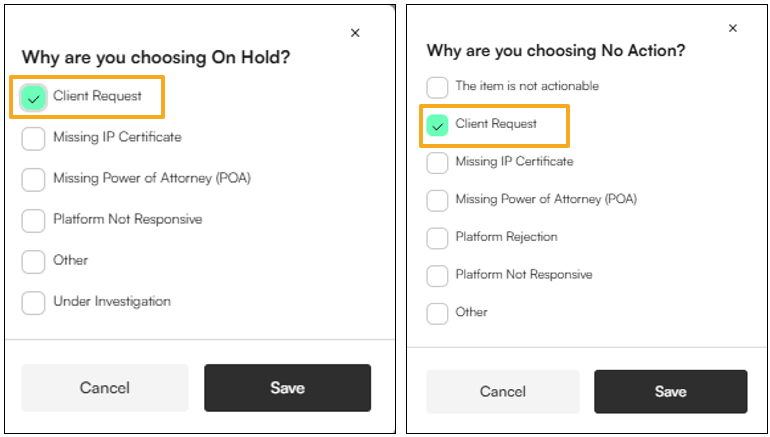
When marking an item as On Hold/No Action, select the following reason when reviewing and click Save:
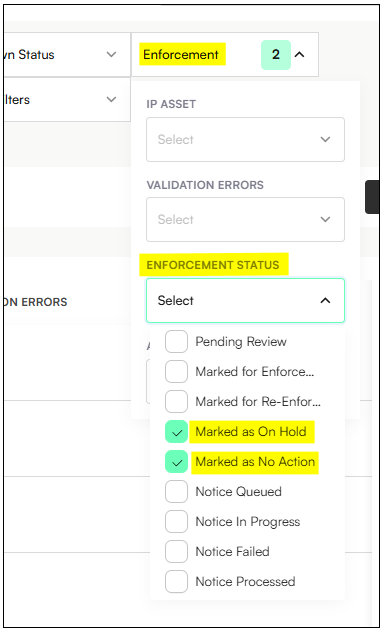
In Post View, you can locate posts marked as On Hold or No Action by using the Enforcement → Enforcement Status filter:
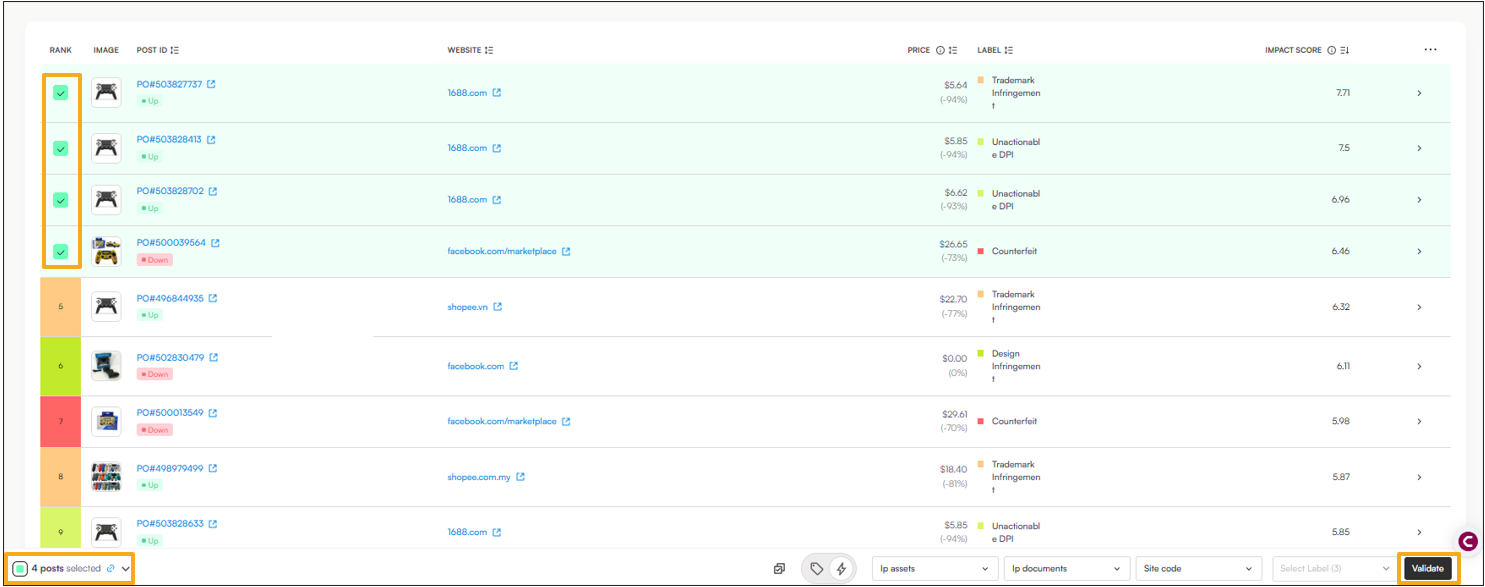
Multi-select all the posts you want to validate
Click the Validate button in the footer:
Multi-select all the posts you want to validate
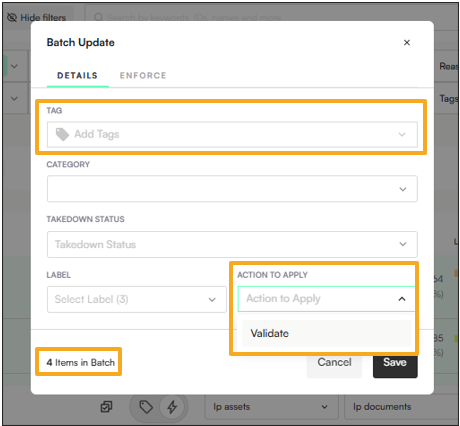
On the footer, click the Batch Update button

You can add additional tags (optional)
Click Action to Apply → Validate
Click Save
Open the Post View (for example)
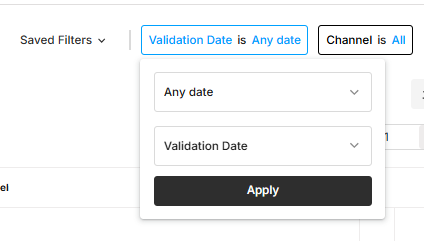
Select the filter Date → Any → Validation Date