To upload Websites you must use the Accounts tab in uploads:
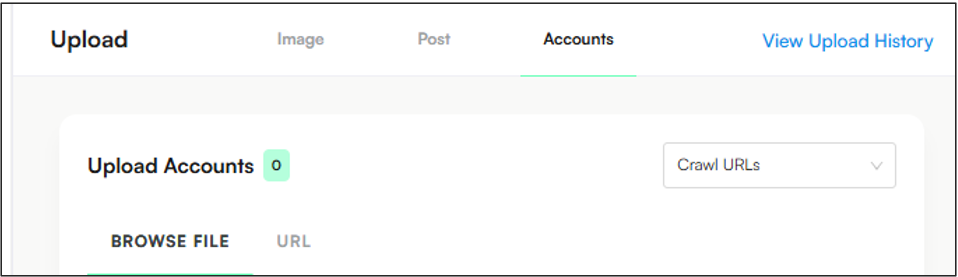
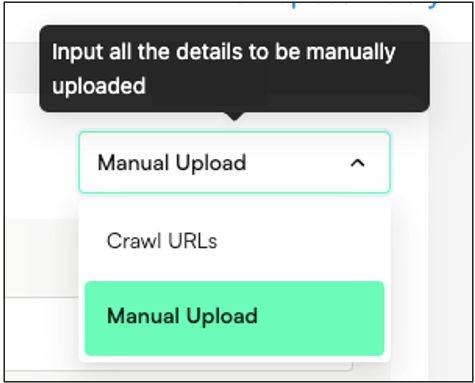
Select Manual Upload as the option in the right-hand corner.
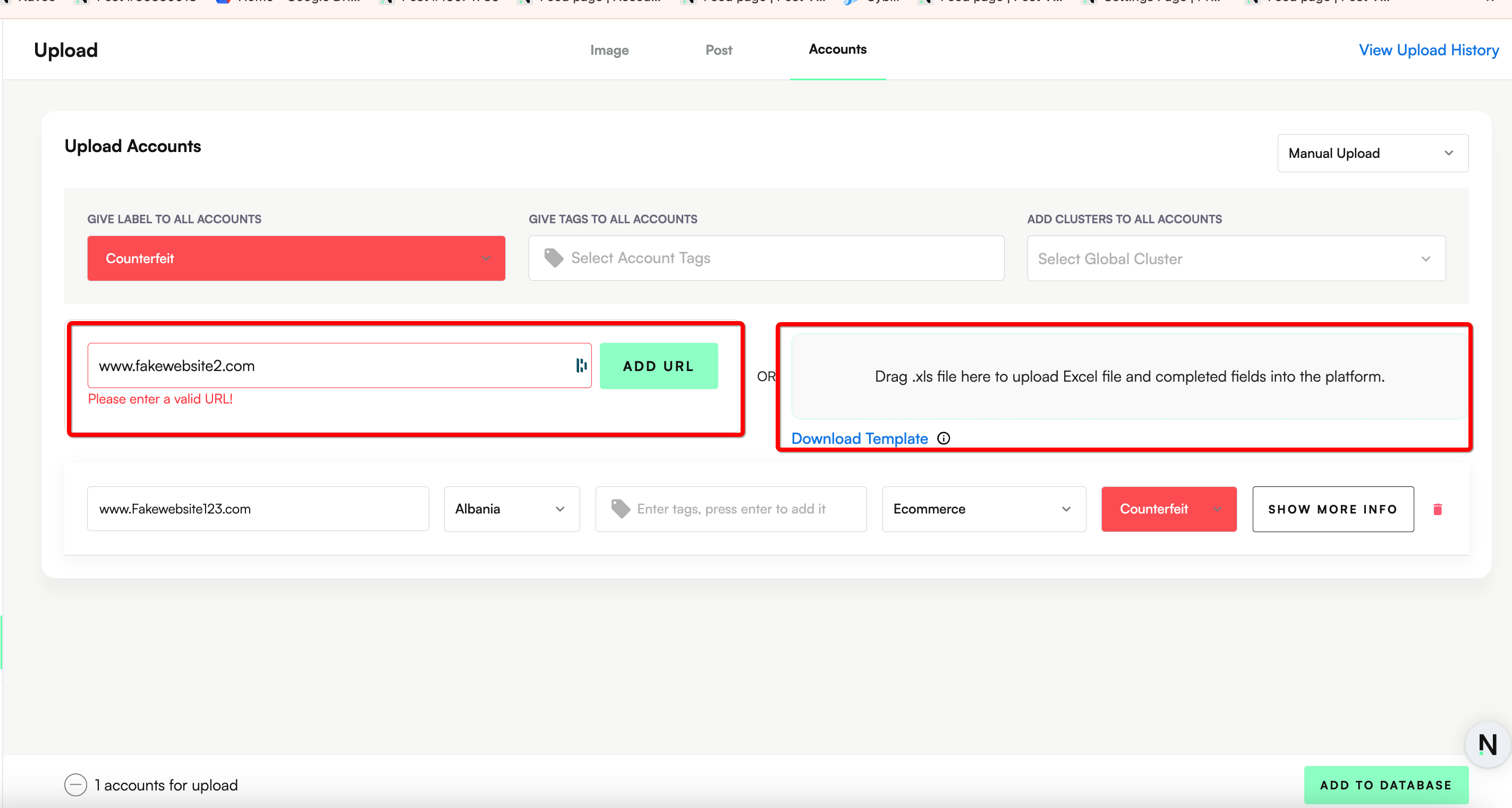
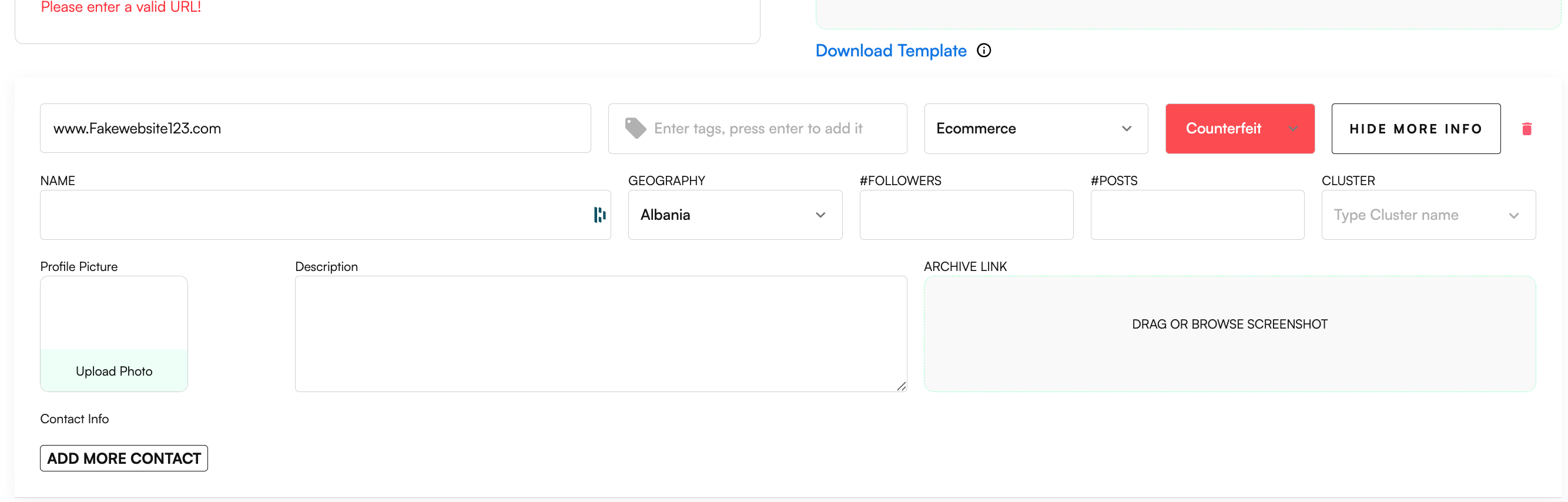
Enter each individual website URL or otherwise utilize the Excel option for bulk upload.
3. Set the Website Category to ‘Ecommerce’
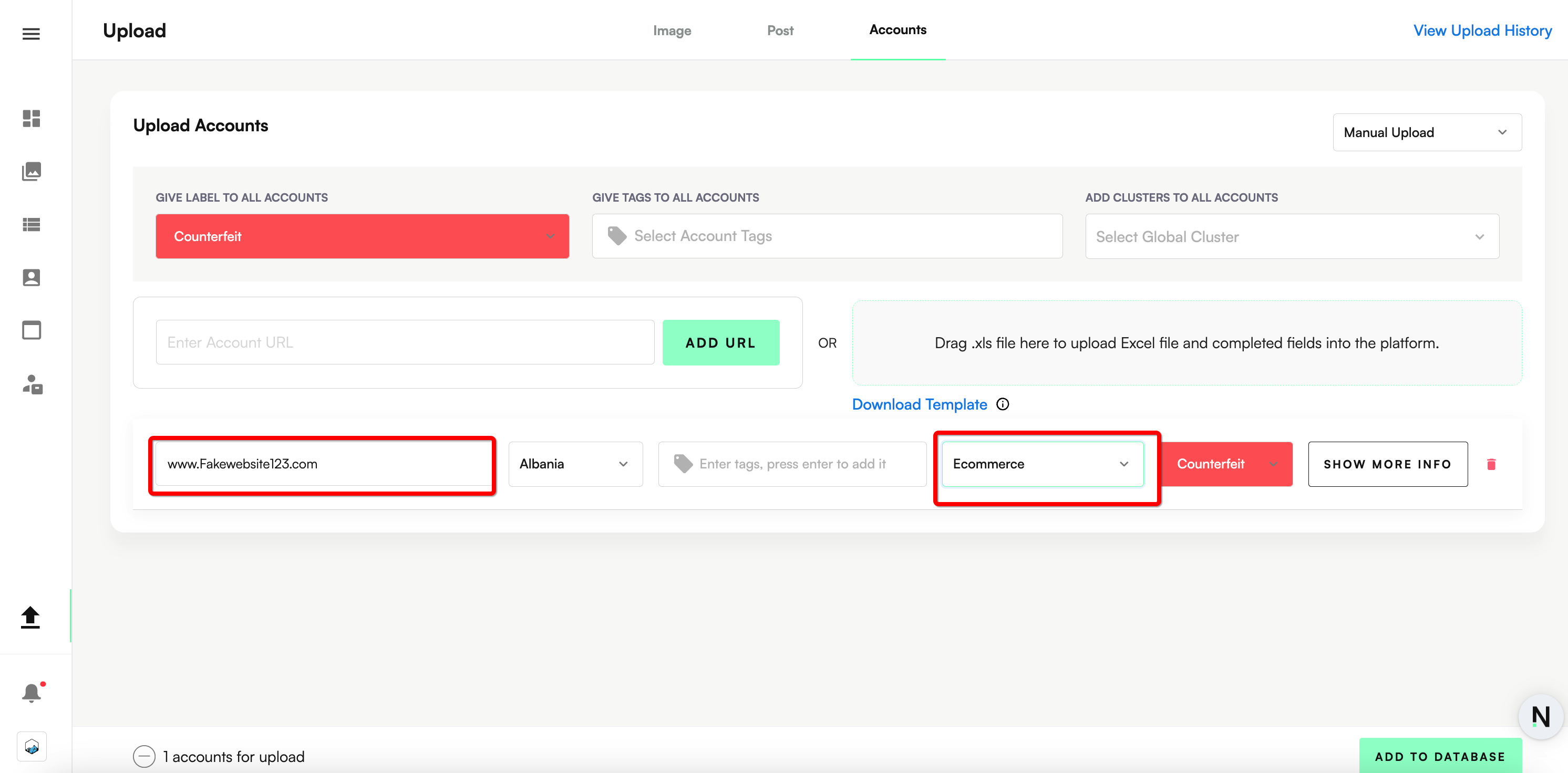
4. Click ‘Show more info’ to populate all other relevant information, including the geography of the website, Website Name, relevant contact details, and a screenshot of the website.
Click ‘Add to Database’.
