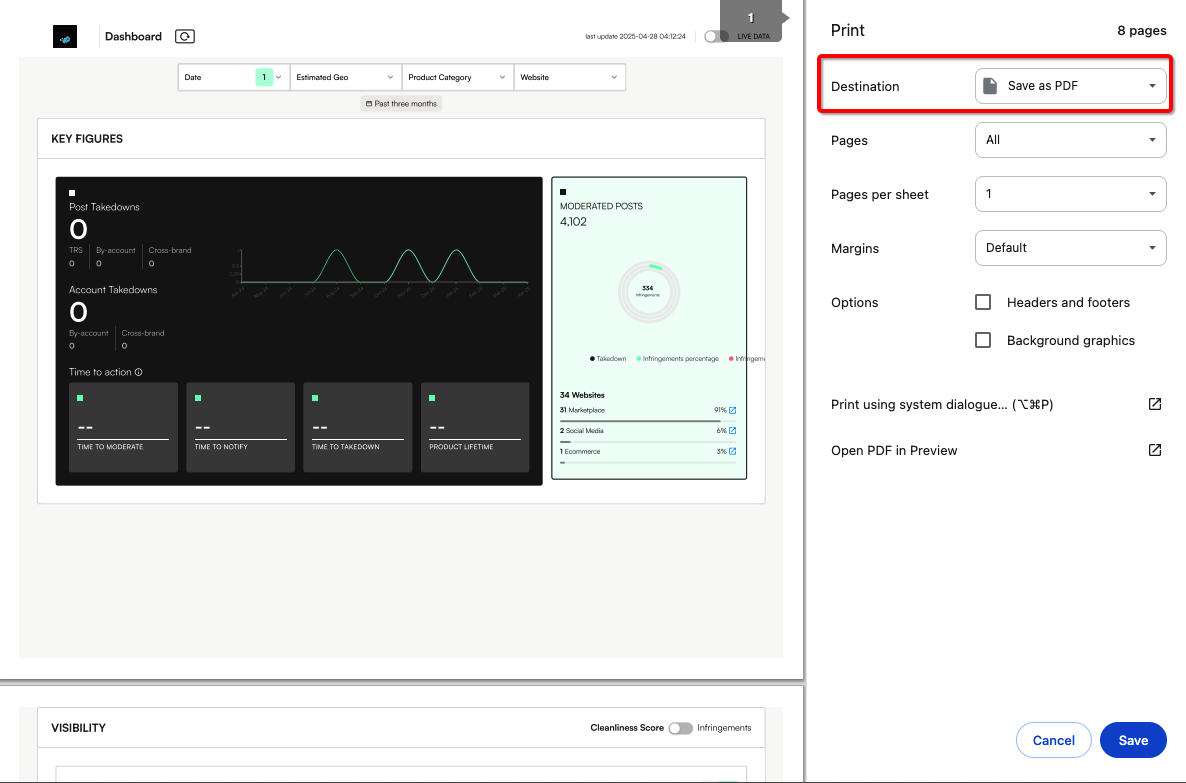
Currently, dashboards can be exported to PDF using the browser’s “Print to PDF” function.
Future roadmap enhancements will include direct export options for PDF, CSV, and image formats.
Export Dashboard data to PDF
1) Apply relevant dashboard filters such as Date range to retrieve the view of interest.

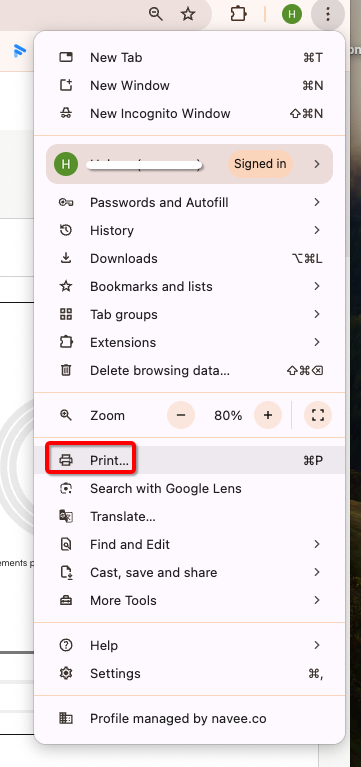
2) Go to your browser options and select print:
3) Select Destination as ‘Save as PDF’. Click Save.