Click the link below to download and install the extension:
https://chromewebstore.google.com/detail/cyborg-lite/pbjhpodhknlcldnpkbnkencnipegeeeg
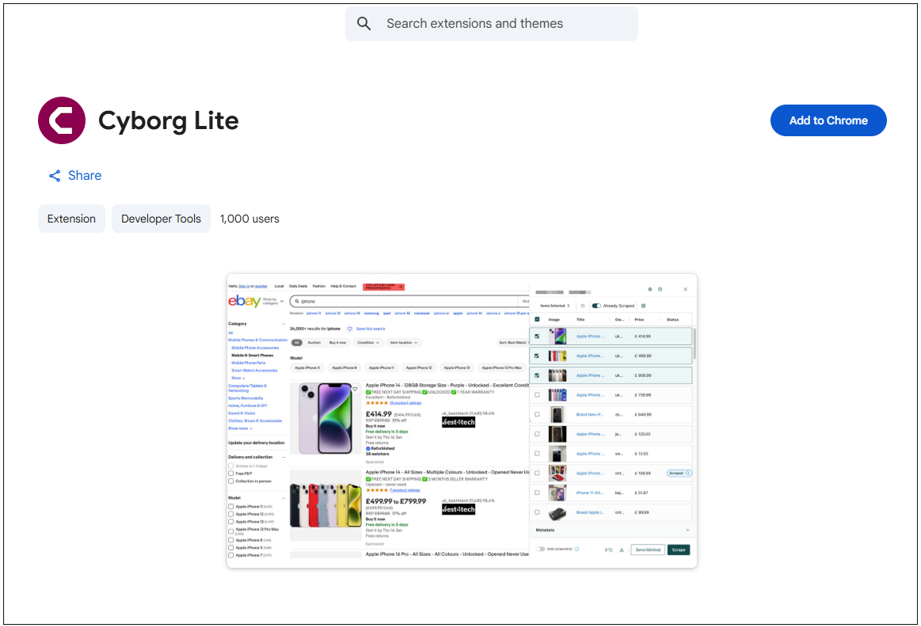
Click Add to Chrome.
Note: Cyborg is only available on Google Chrome (for now!)
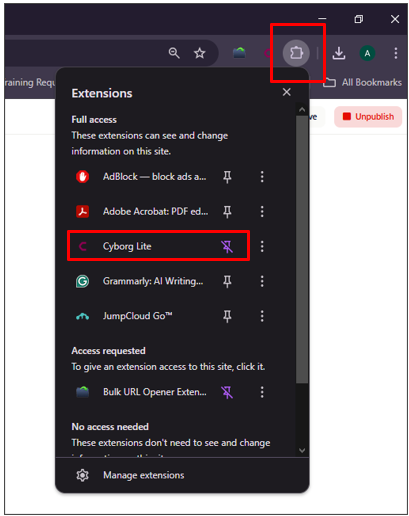
Click the Chrome’s Extention Icon
Locate the Cyborg Lite extention and pin it to your Chrome bar:
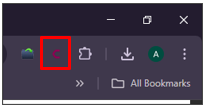
Cick the Cyborg Lite extention:
Sign in using your Zeal 2 credentials (External users will log in through the same sign-in screen):
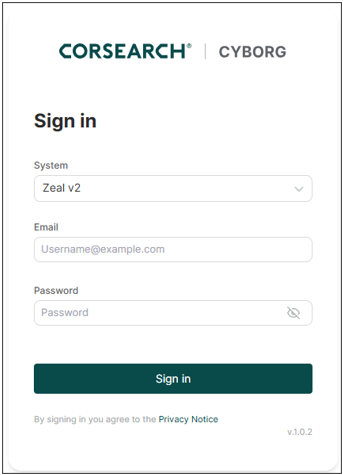
Note: Cyborg can be used for Zeal 1 (legacy) and Zeal 2.
